Overview
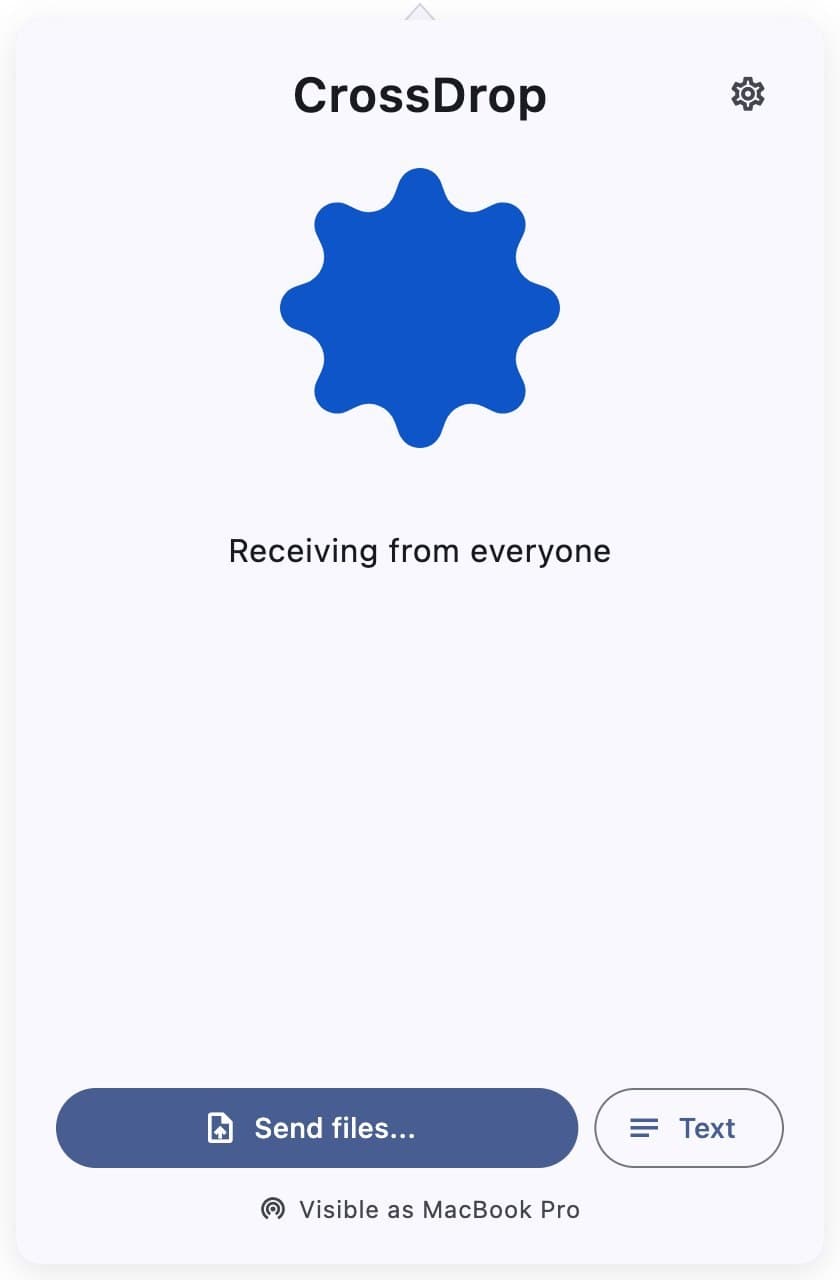
Quick Share works well between Android devices and nowhere else. If your laptop runs macOS or Linux, getting a file off your phone means a cable, a cloud upload, or emailing it to yourself. CrossDrop is a partial reimplementation of the Quick Share protocol in Flutter. A Mac or Linux machine shows up in the Android share sheet like any other device. Transfers go over the local network, with no account, and the file stays in your home network.
Reverse engineering and its limits
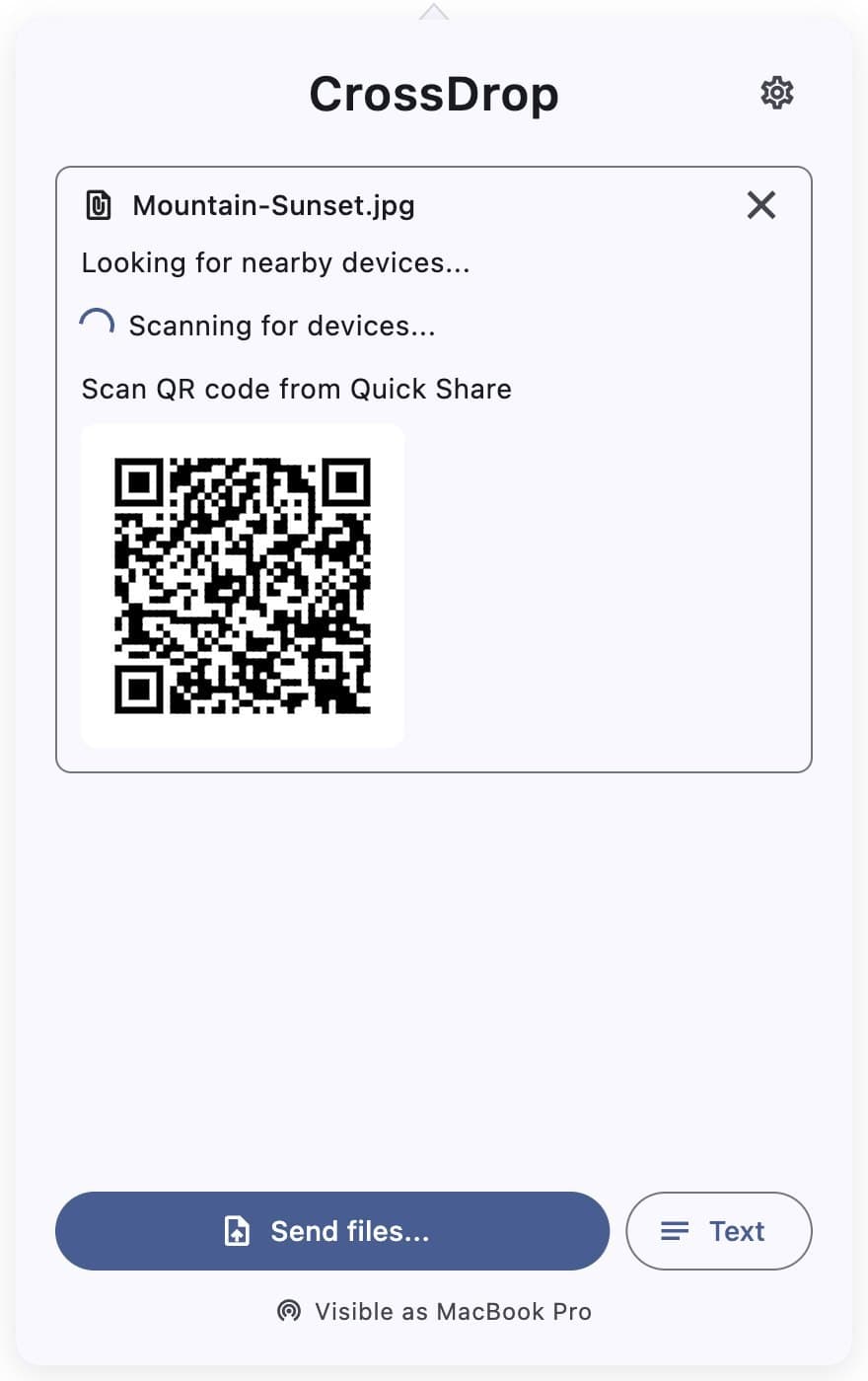
The protocol work builds on NearDrop, a Swift implementation of Nearby Share for macOS. Devices find each other over mDNS on the local network, and Bluetooth LE beacons wake a device that is set to hidden. Some parts are left out on purpose: Wi-Fi Direct, Bluetooth data transfer, and Google's WebRTC fallback over the internet. Each would need a lot more reverse engineering for a less common case, so the README says plainly that CrossDrop works on the local network only.
Platform limits in the README
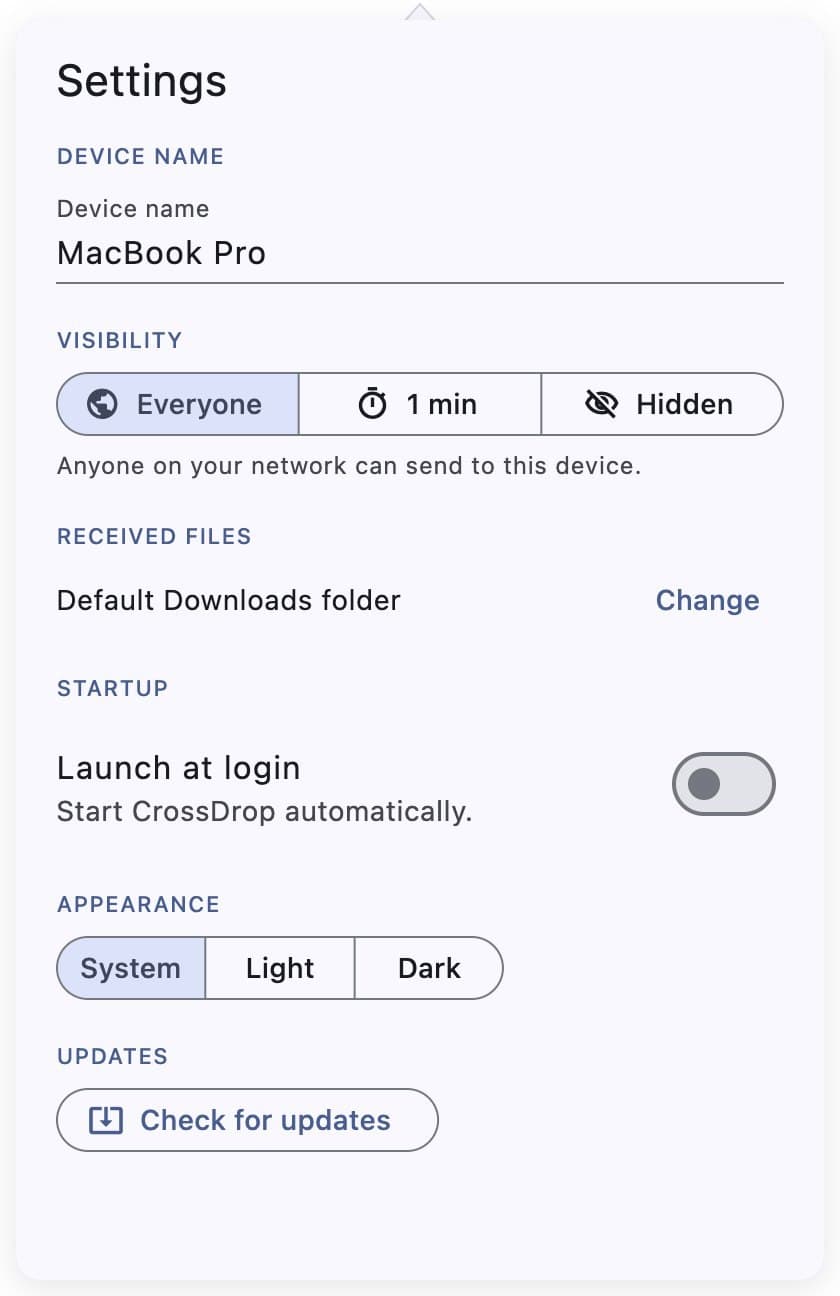
The iOS version is only available as source code until I join the Apple Developer Program. Apple's platforms also don't let apps send the BLE beacons that wake a hidden device, so hidden mode can't work there. Both limits are written in the README, so nobody has to find them by trial and error. Visibility has three settings: everyone, hidden, or visible for one minute. On macOS, CrossDrop adds entries to the Services menu, so you can share from the place the system already offers.
When the platform catches up
Google has since announced that Quick Share will work with AirDrop. For many people that makes CrossDrop unnecessary, which is a fine outcome for a tool like this. The repository says so and calls the current state an experimental continuation. CrossDrop is MIT licensed and written in Flutter, with Swift and Kotlin where the platforms required native code.