Overview
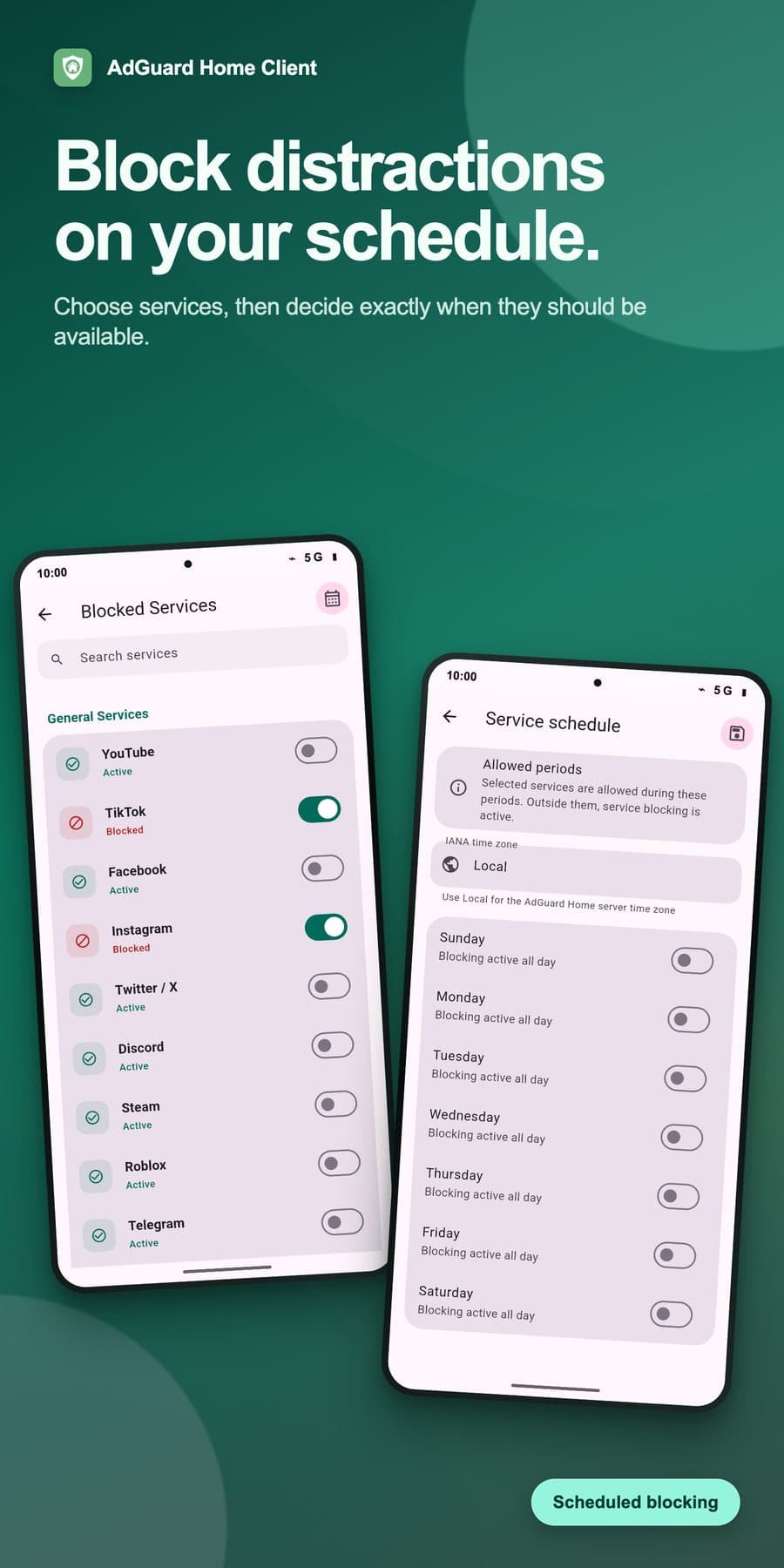
AdGuard Home works well, but its web interface isn't built for a phone. If you run DNS filtering for a household, the jobs you do on the move are small and urgent: something doesn't load, you check whether DNS blocked it, and you unblock it for ten minutes. The app is built around those jobs and can be used with one hand. It also manages more than one AdGuard Home instance.
Several instances by default
Many people who self-host DNS run two resolvers, or one at home and one on a VPS. In the app every instance has its own connection and TLS settings, and you switch between them from the app bar. Statistics and query logs can also be combined across all instances, with one set of controls.
Finding the blocked request
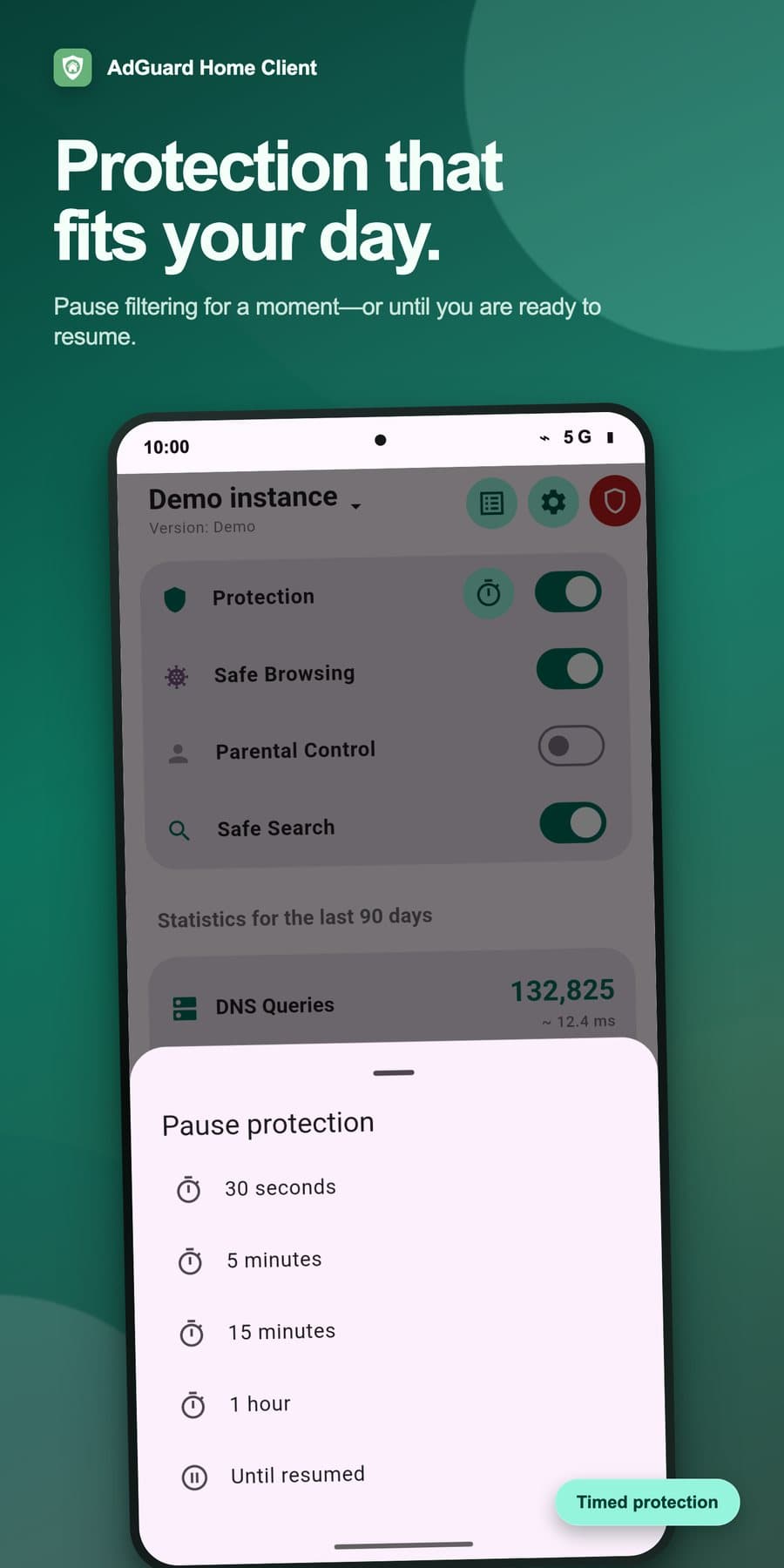
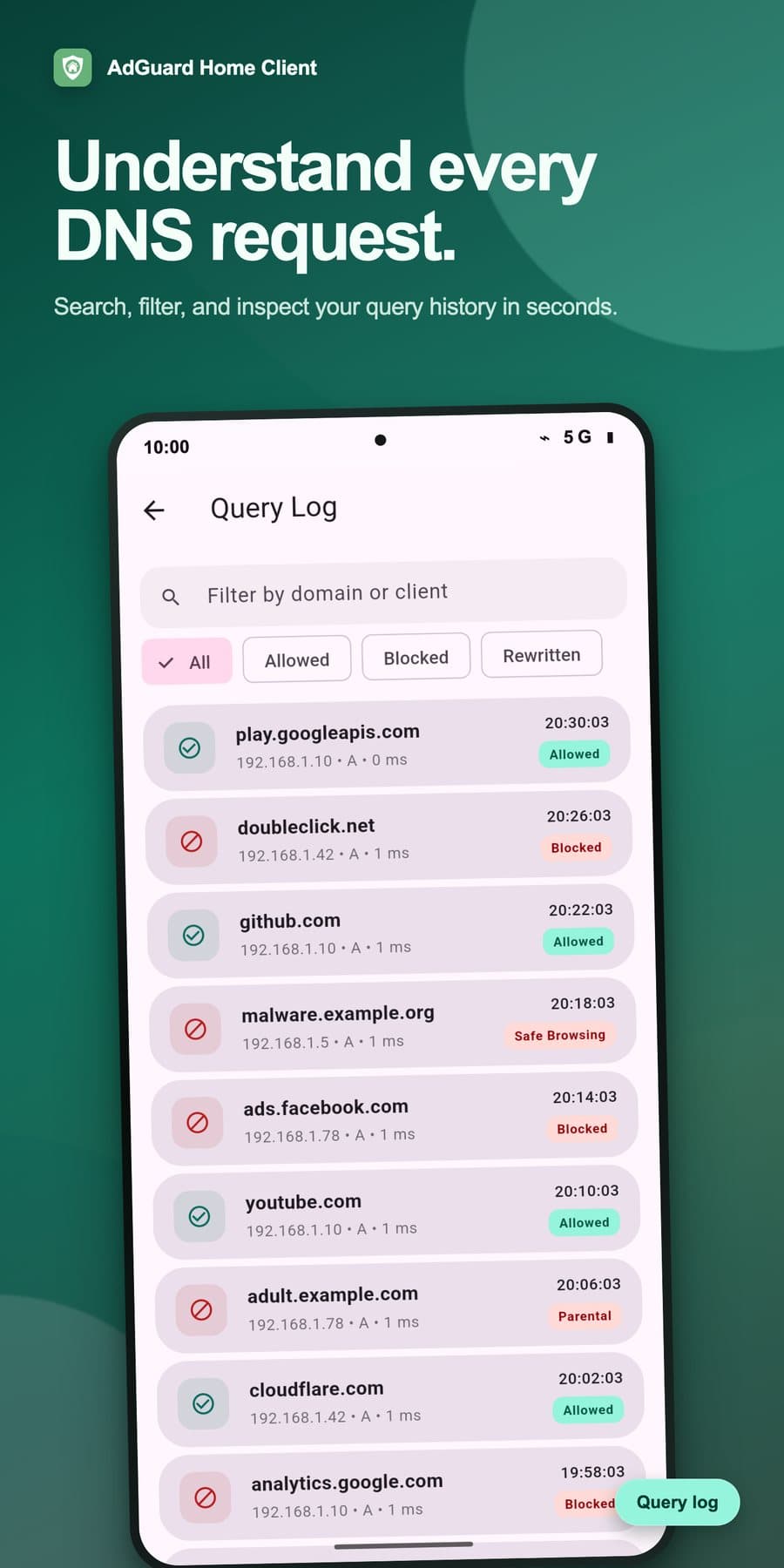
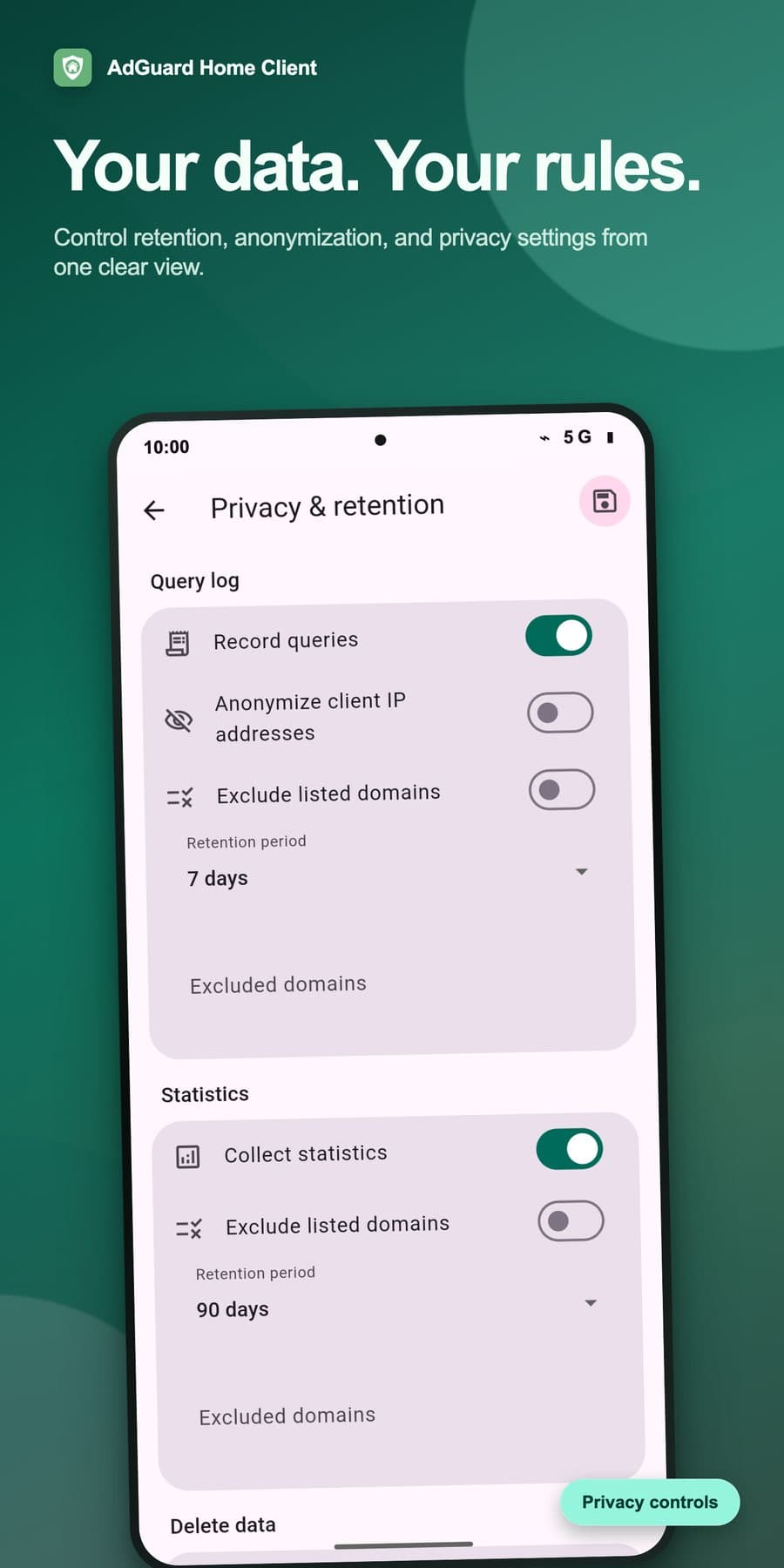
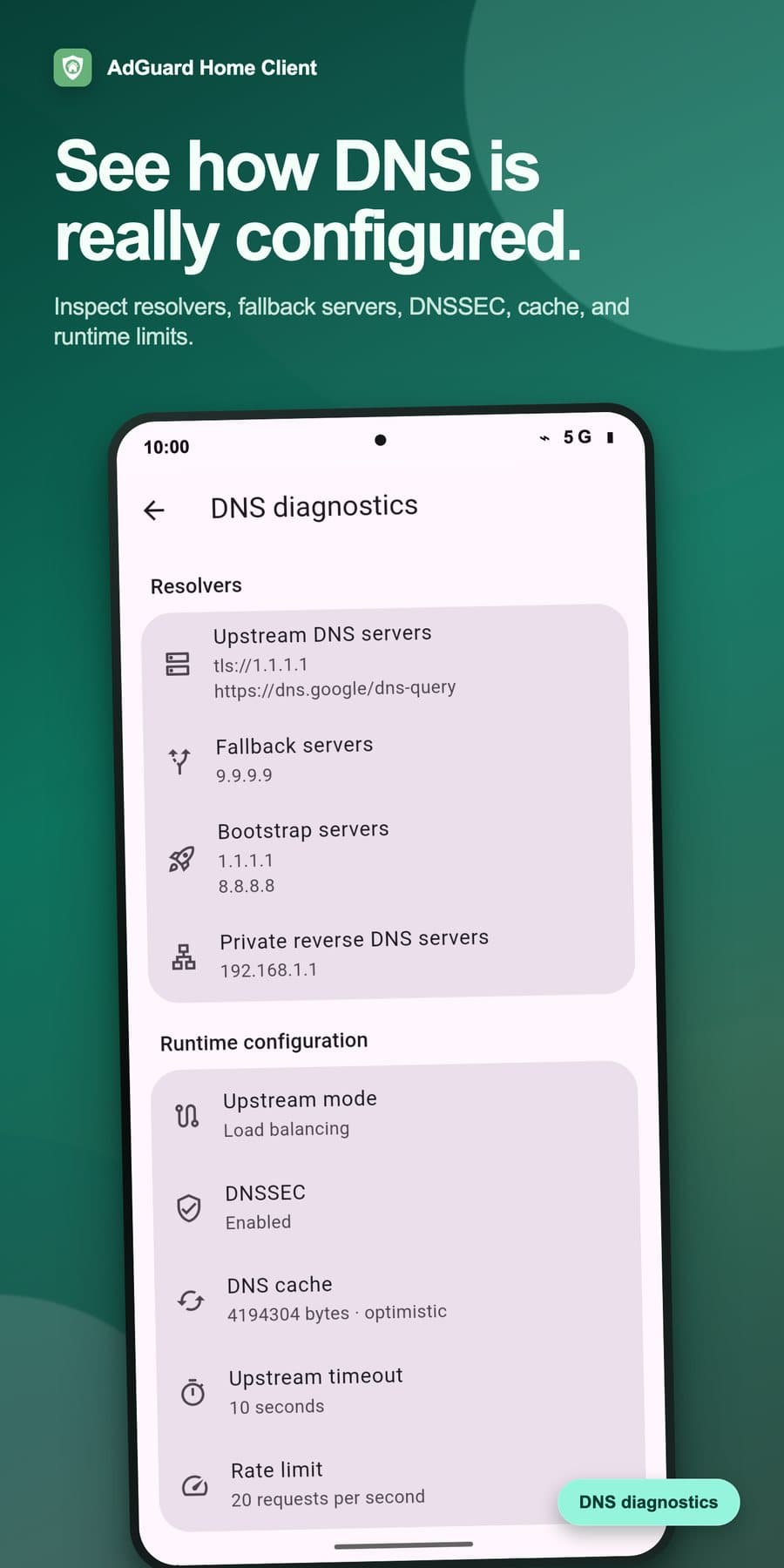
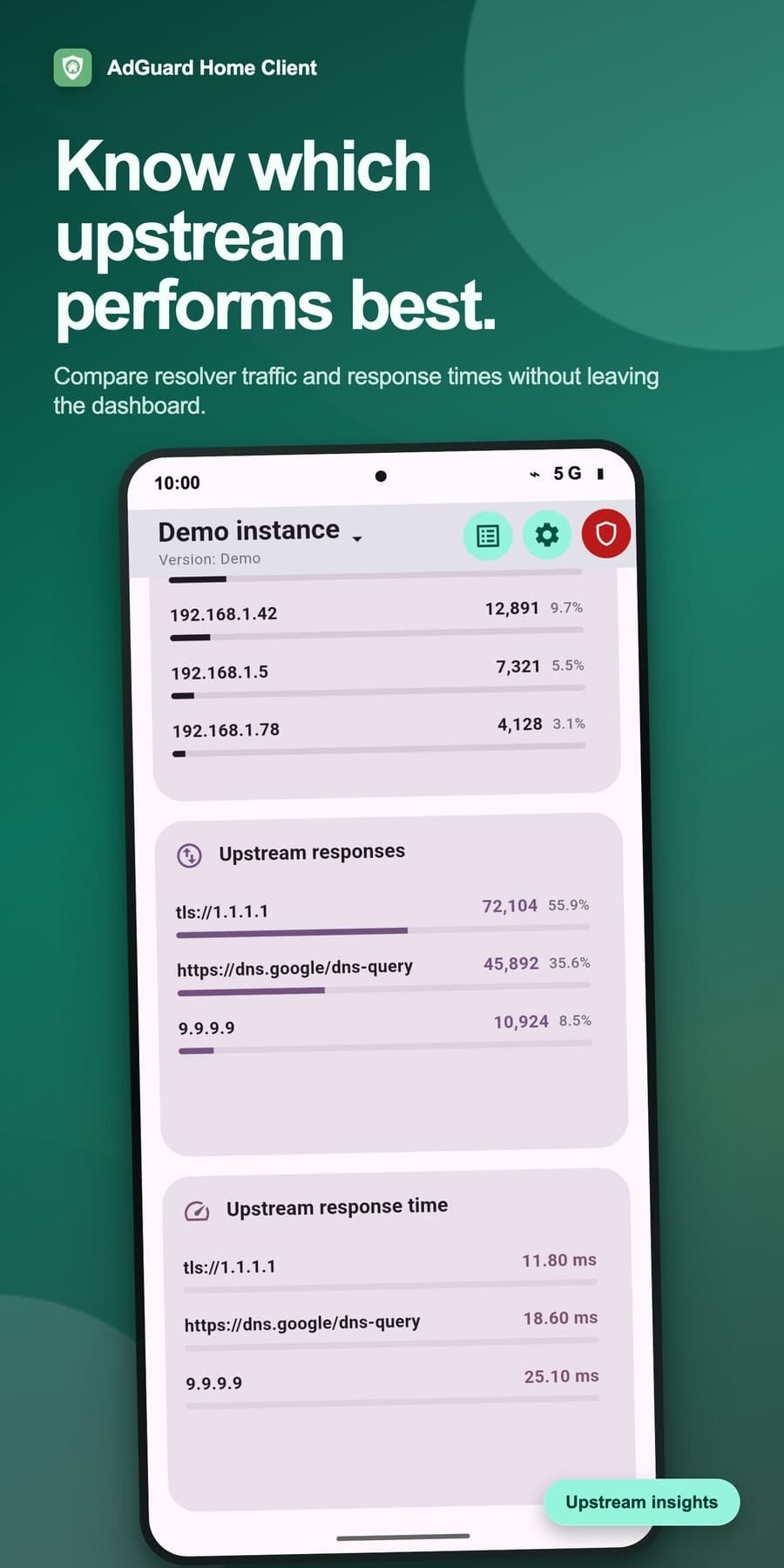
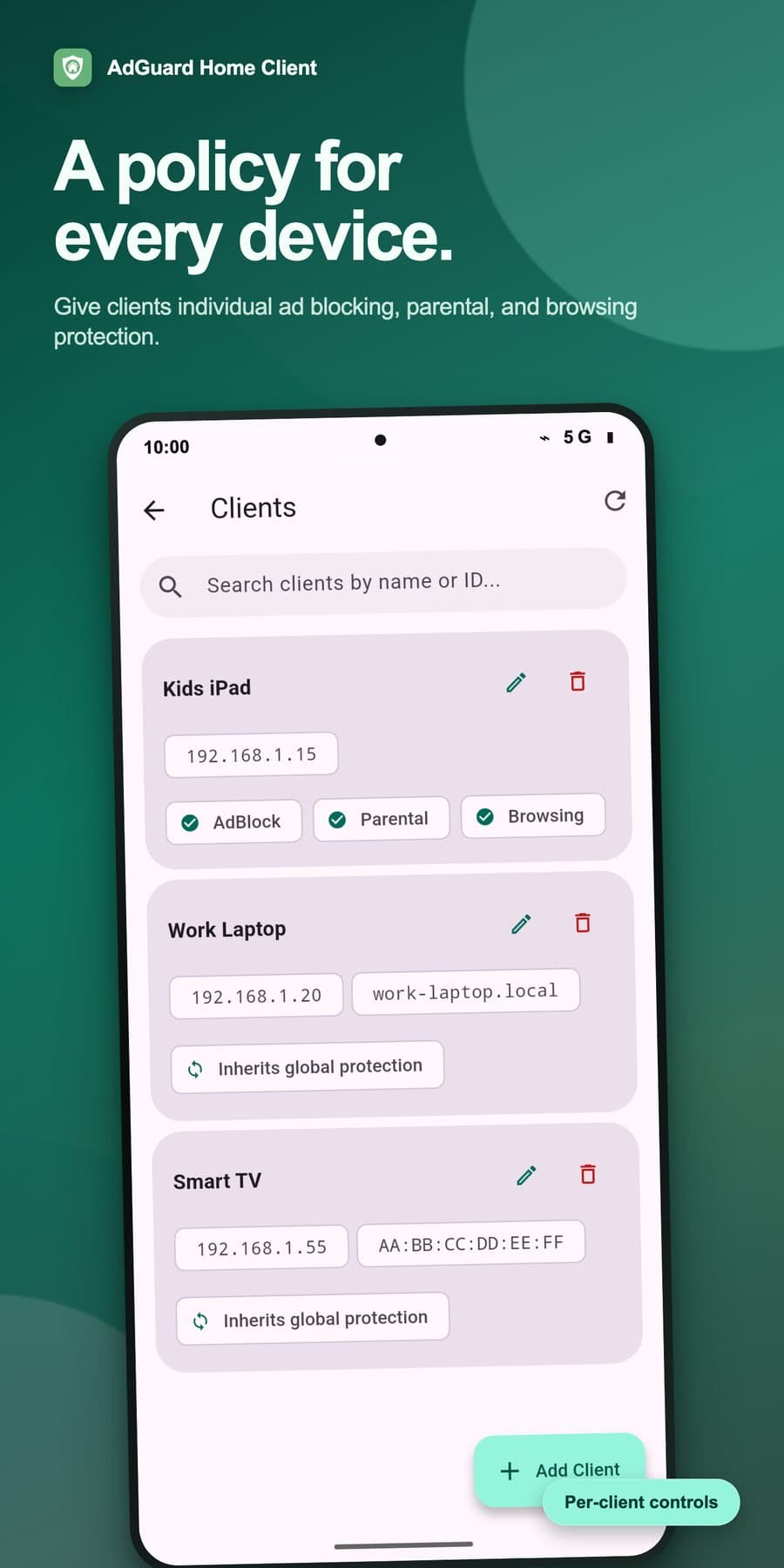
When something breaks, you usually want to know whether one device was blocked when it asked for one host. So the query log can be searched by domain or client and filtered to allowed, blocked or rewritten requests. You can pause protection for a set time, so filtering switches itself back on afterwards. The app also covers per-client settings, custom DNS rewrites, upstream diagnostics, and privacy settings for logging, retention and client IP anonymisation.
A native Android app
The interface uses Material 3 with Material You colours and light, dark and system themes, so it fits in with the rest of the phone. It's written in Flutter on top of a client generated from AdGuard Home's OpenAPI spec, which keeps it in step with changes to the upstream API. The app is MIT licensed. You can get it from Google Play, as an APK from GitHub releases, or through Obtainium, because people who host their own DNS often don't want to depend on a single app store.